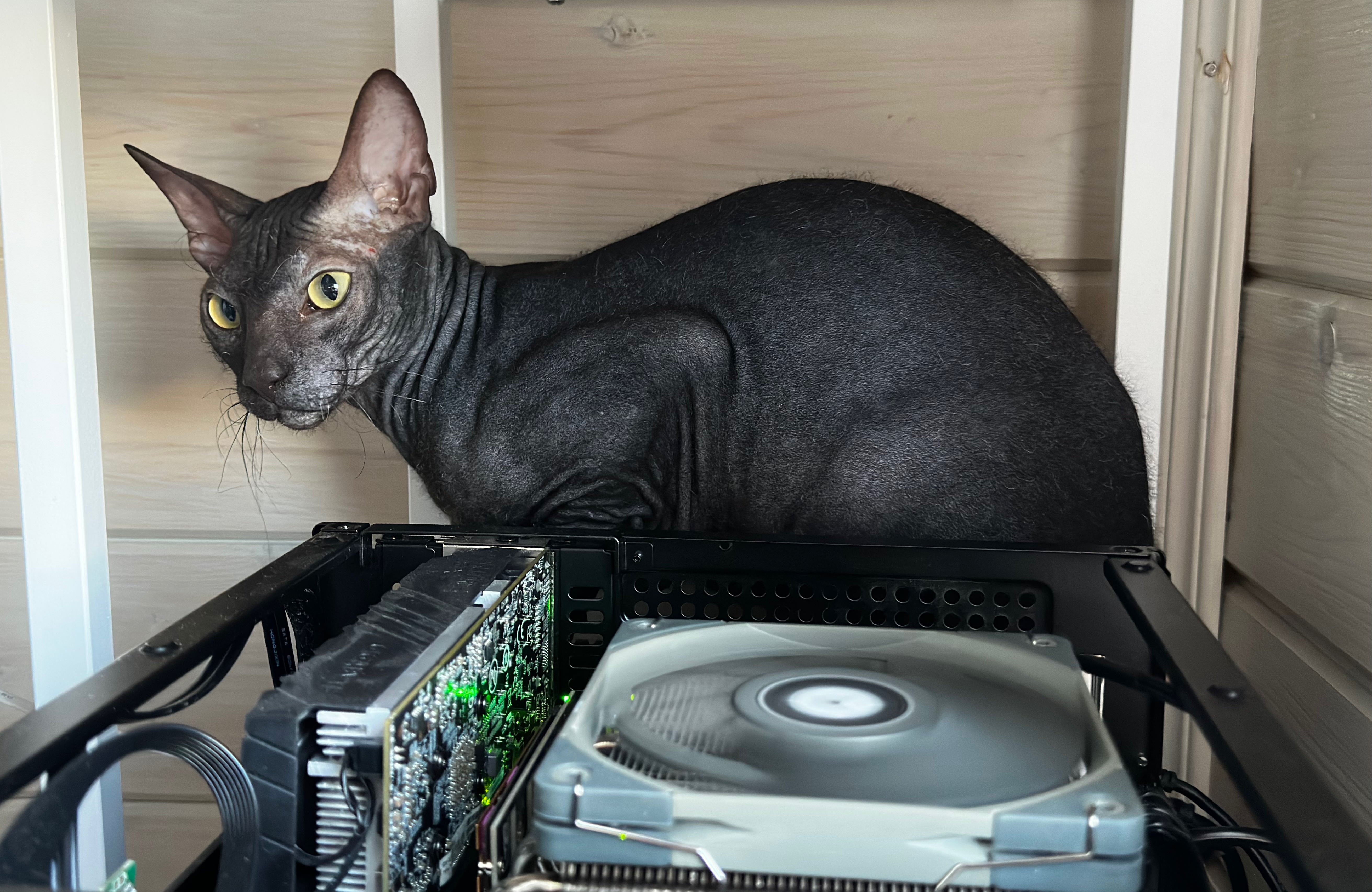
Sherlock watches over the server with no top cover.
I currently have about 3 TB of data in my main array, but I’ve bought five HDDs. One holds important data. Another protects the array if that drive fails. Two more are for backups. The fifth holds movies, TV shows, and other files I can replace. Whenever I try to explain all those purchases to myself, I have to remember where this started: I wanted to control the floor heating.
About a year ago, I moved into a house that already had smart floor heating I could control from my phone. I wanted to go further and build a smart home where different devices worked together. I started reading about how people did that and quickly found Home Assistant.
People often recommend running it on a small device: a Raspberry Pi, a mini PC, or a ready-to-use Home Assistant Green. I didn’t know much about hardware then, and I thought it made sense to leave plenty of room to grow: more processing power, more memory, more drive bays. So instead of planning a small hub, I started planning a server.
Besides, if I was going to have a computer running around the clock, I wanted to give it more than one job. I’d always wanted a Minecraft server where I could play with my brother. I also knew I’d eventually have to sort out my photos and the growing collection of external drives they lived on, for that moment my wife had almost 2tb of extenal hdds with photos. Home Assistant gave me a reason to start, but it wasn’t the only reason I bought the hardware.
I ordered a Supermicro motherboard with a Xeon and a Jonsbo N4 case with room for six HDDs. I bought most of the components secondhand. The case, a 1 TB SSD, and two data drives, a WD Red Plus 8 TB and an HGST 4 TB were new. I added the other drives one at a time whenever I found a good deal. This wasn’t a finished server bought in one transaction; it grew piece by piece.
As for operation system, I came across Unraid almost immediately and installed it on the server.
Unraid app catalogue kept showing me useful services I wouldn’t have thought to look for. That’s how I discovered Paperless-ngx, which I now use for my documents.
How One Server Became an Infrastructure Project
At first, the goals were straightforward: run the smart home, store photos, and host a game server. Then I discovered self-hosting and started noticing more things I could run myself.
Immich gave my photos a home. Paperless-ngx did the same for my documents. Later came an Arr media stack, Frigate, a DNS server, and other services. The pile of external drives had stopped being just a question of storage space. I wanted my data in one place, and I wanted to know what would happen if something broke.
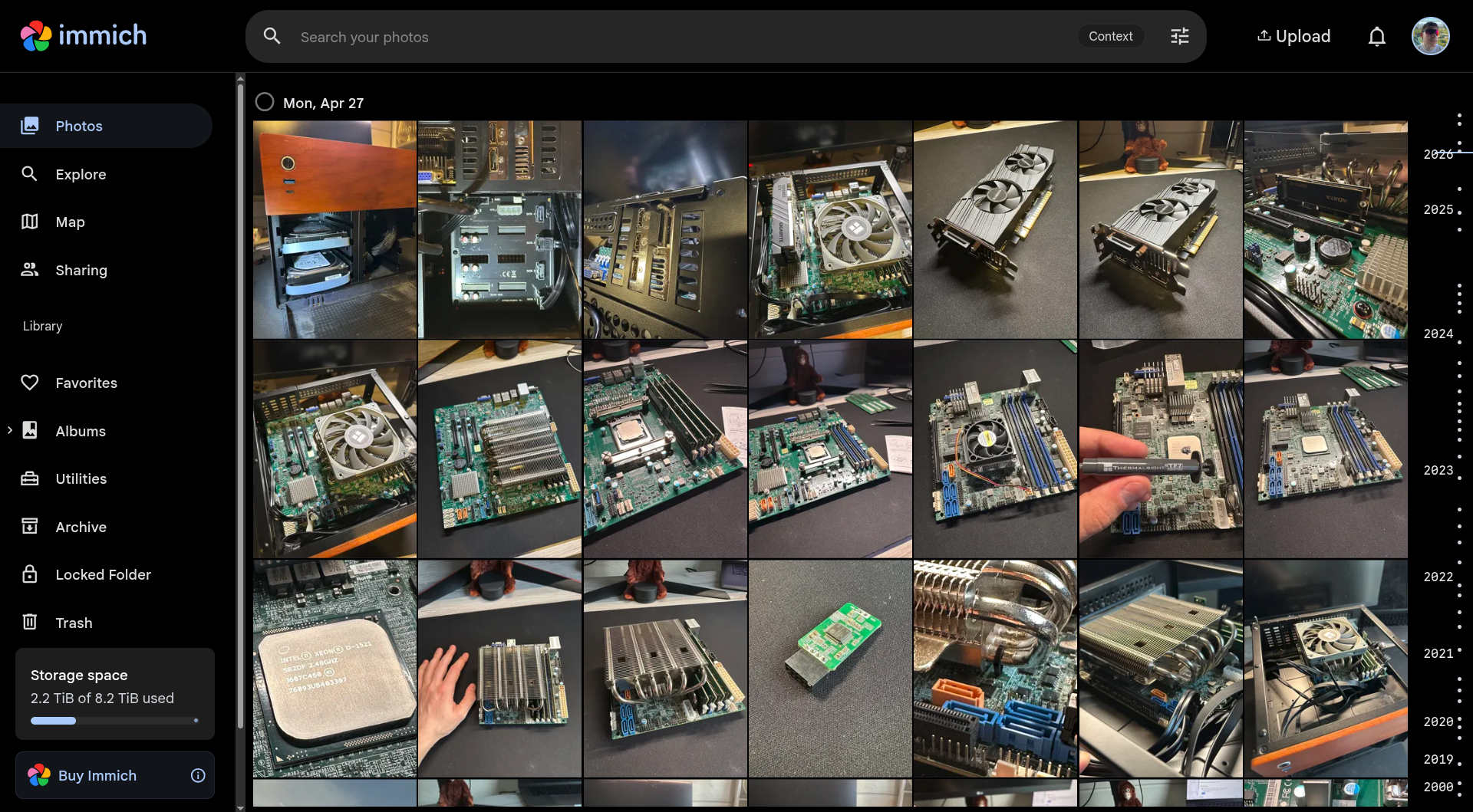
The photos of me building the server now live in Immich on that same server.
Later, I moved again. Home Assistant stayed in the house with the smart devices, while the Unraid server moved to a different location. They became separate parts of my infrastructure.
Other machines and routers gradually joined them. I added Tailscale to connect the locations, a VPS for incoming traffic, and separate monitoring. Eventually, I moved settings I could once keep in my head into Ansible, but that’s a story for another article. What matters here is that a server built for a few household tasks had become a network I needed to watch and be able to restore.
Each step made sense on its own. But when I finally looked at the whole system, I caught myself wondering: how much had I spent to keep all this running, and what had I received in return?
The Purchases That Made Me Uneasy
The drives I bought to protect my data gave me the most pause.
The first HDD is easy to justify: buy a drive, get more space. A parity drive is harder to explain to yourself. It doesn’t give you more room for files, but it lets the array survive a drive failure. Then I started learning about backups and the 3-2-1 rule. It turned out that buying enough space for my data was only the beginning. Protecting my photos and documents against other kinds of loss meant paying for separate copies, ideally in different places.
I bought two 10 TB Toshiba drives for backups. Once a week, restic automatically writes a backup to one of them; the drive is disconnected when the job finishes. I plan to put the second drive at another location and copy data to it over the network. Together, they cost me about $500. Add the parity drive, and I’ve spent roughly $681 on protecting data—almost 38% of all the one-time costs I can account for.
Meanwhile, the important data sits on an 8 TB WD Red Plus protected by an 8 TB parity drive, and only about 3 TB of the array is currently used. A separate 4 TB HGST holds movies, TV shows, and downloads without parity protection: those are files I can get again. Then there are the two 10 TB drives bought for backups. Much of the capacity I paid for exists to protect a relatively small amount of irreplaceable data.
Parity and backups solve different problems. Parity helps when an array drive fails. A separate backup can help when a file is deleted or corrupted; parity will preserve that change, too. Unraid’s documentation also distinguishes protection against hardware failure from backup. In my budget, both belong to the same category: the price of trying not to lose what matters.
What I’ve Spent
For this calculation, I’ve converted my purchases from rubles to US dollars at an assumed rate of 80 RUB to $1. It gives me one basis for comparison; it isn’t the exact exchange rate on every purchase date.
| Purchase | Cost |
|---|---|
| Motherboard and Xeon, RAM, GPU, power supply, case, and UPS | $603.75 |
| WD Red Plus 8 TB — parity-protected data | $250 |
| HGST 4 TB — replaceable media without parity | $112.50 |
| IronWolf 8 TB — parity | $181.25 |
| Two Toshiba 10 TB drives — backups | $500 |
| 1 TB SSD | $100 |
| Unraid licence | $50 |
| Known one-time costs | $1,797.50 |
Two VPS instances—one for incoming traffic and one for monitoring—cost another $3.73 per month, or $44.70 per year, at the same assumed exchange rate. Over five years, if their prices stay the same, the known purchases and those VPS bills would total about $2,021.
That still isn’t the full cost of ownership. I haven’t measured the server’s average power draw at the wall, so electricity isn’t included. Drives don’t last forever, either, and some of mine already had hours on them when I bought them. All five HDDs cost about $1,044. Spread across three, five, or seven years of use, that works out to roughly $348, $209, or $149 per year. Those are ways to think about future spending, not predictions of when a drive will fail—and they aren’t extra costs on top of what I’ve already paid.
There’s another limit to this comparison: I haven’t worked out what I would actually pay for without a homelab. Maybe I’d keep my photos in the cloud and my documents on external drives. Maybe I’d rent a Minecraft server only when my brother and I wanted to play. Adding up every subscription I could possibly replace would be dishonest. The comparison has to be with the alternative I would really choose.
If all I needed was space for photos, one option would be 2 TB of iCloud+. In Armenia, it costs $11.99 per month. Assuming the price stayed the same, that would be about $432 over three years, $719 over five, or $1,007 over seven. I haven’t yet checked whether my photo library would fit in 2 TB. And this comparison covers photo storage only: it doesn’t include my other home services or separate backups.
What I’ve Got in Return
The services are the easiest benefit to name. Home Assistant still runs the smart home. My photos and documents are organised in systems I understand. I have a Minecraft server where I can play with my brother. There are other services I use every day, along with some I barely notice because they work in the background.
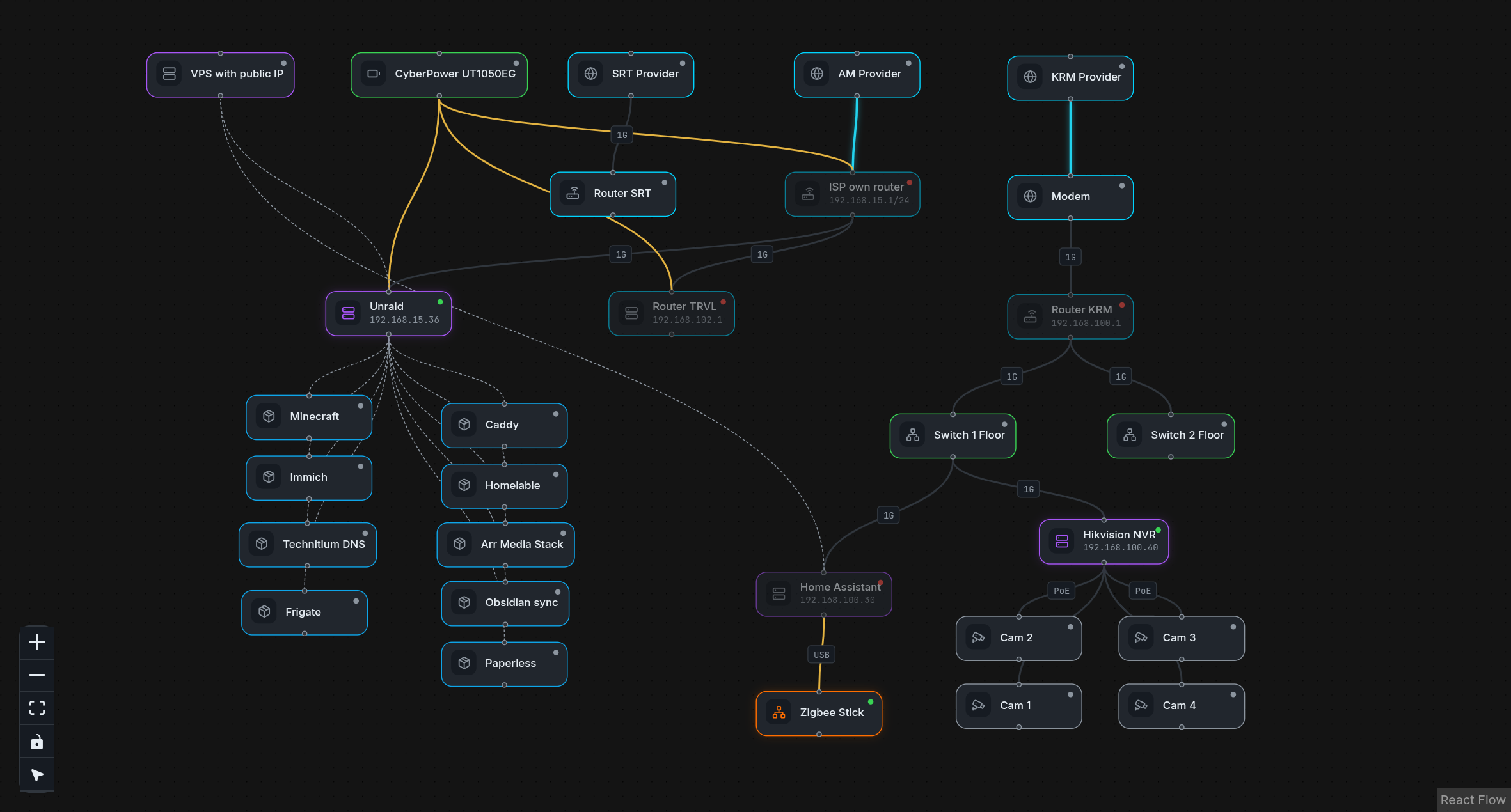
My machines, services, and the connections between them, mapped in Homelable.
But the process itself pulled me in. I could spend whole days configuring the server and forget to eat, just as I did as a student. Every new discovery in self-hosting felt significant. Connecting machines with Tailscale changed how I thought about my home network. Learning to run, debug and observe services in Docker showed me how many problems I could solve myself. Monitoring and backups made me think beyond getting a service running: how would I notice a failure, and how would I bring things back?
People joke that everyone starts making backups eventually, usually right after losing something important. I got lucky, I started before I had a disaster of my own. Or at least I hope I wont have one.
I also learned about DNS, routing, Linux servers, and Ansible. I hadn’t set out with a study plan. Each new problem gave me a reason to learn something else. After solving it, I’d ask what I could connect, simplify, or make more reliable next. That’s how the homelab kept growing.
That experience costs time, too. Configuration and maintenance don’t end when the hardware is paid for. Sometimes I work on the system because something has broken. Sometimes I do it simply because I enjoy it. Both matter when I ask whether this was worth doing.
So, Was It Worth It?
As a way to save money, my homelab isn’t an obvious success. I’ve spent almost $1,800 before electricity or future drive replacements. Two backup HDDs are especially hard to justify financially when the main array holds only about 3 TB of data. The off-site copy on the second Toshiba is still a plan, so I can’t count it as protection I already have.
But storage capacity isn’t everything I bought. I have services I use, a place to play with my brother, and experience that kept me absorbed for entire days. I understand much more about the systems my data and home now depend on.
I don’t yet know whether this was the cheapest way to get all of that. To answer that question, I still need to measure electricity use and calculate a realistic alternative without the server. What I can say is what the money has bought so far: a working home infrastructure, some protection for important data, and a year of work I found deeply interesting. The financial answer is still open. I already have an answer to the personal question.
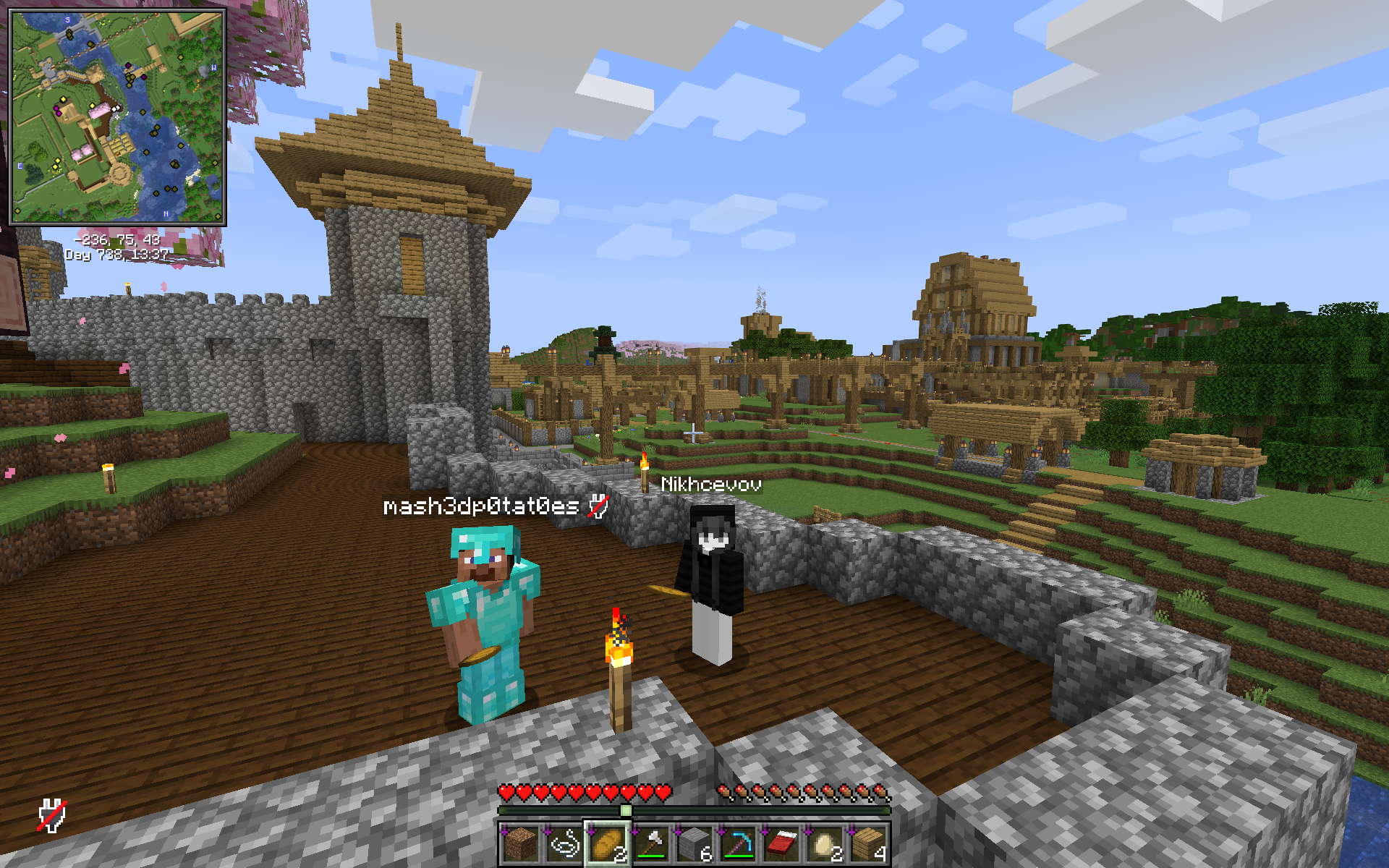
My brother says it was worth it.